
Printer Streaks: What Causes Them and What You Can Fix Yourself
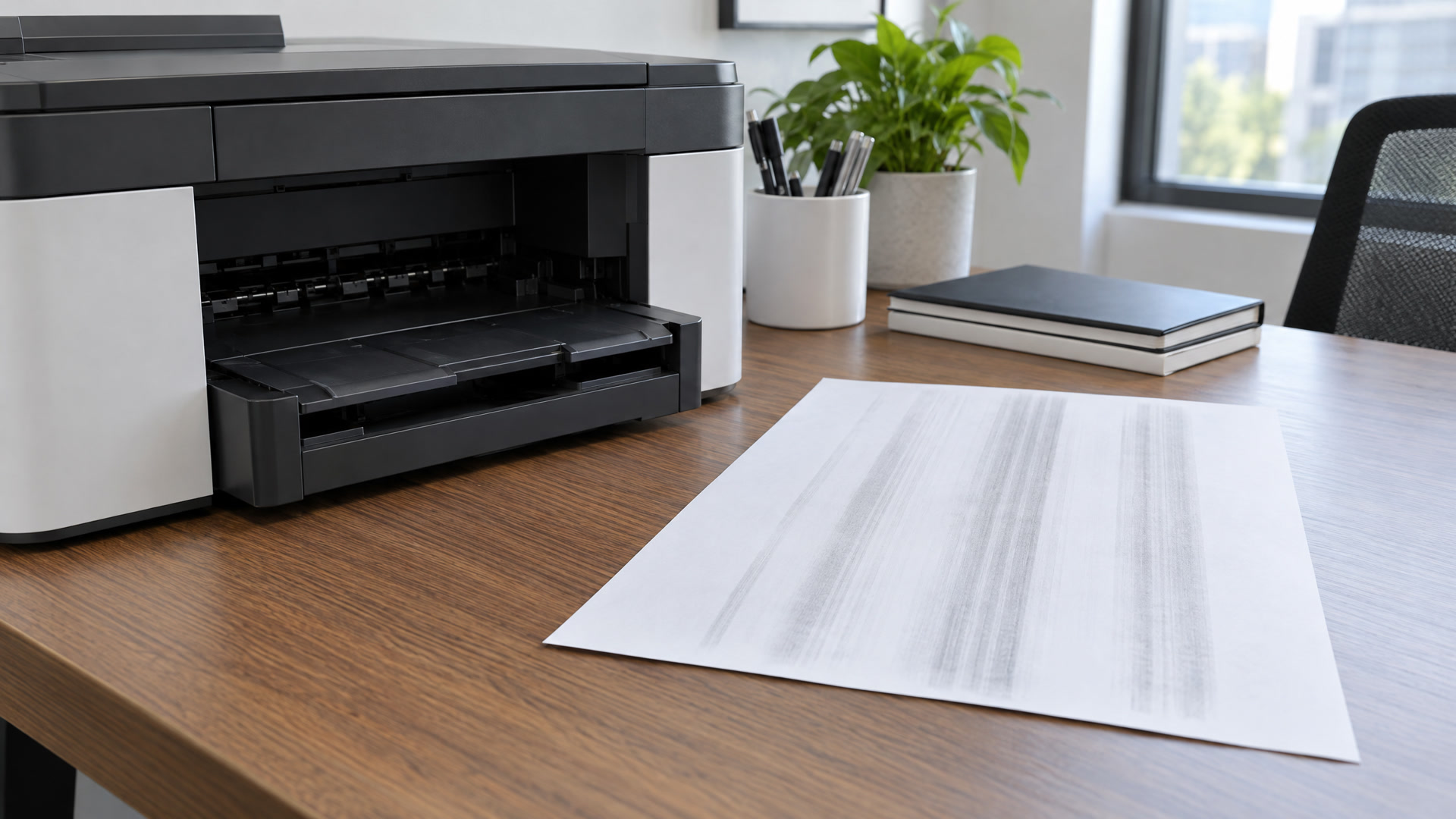
You print a report, and a pale stripe runs down the page. Maybe it is a dark line instead, or a band of missing color across a photo. Printer streaks are among the most common print problems for offices in Christiansburg, Blacksburg and the rest of the New River Valley, and the good news is that many of them can be fixed in a few minutes without a service call.
Start with your printer type
Inkjet and laser printers streak for different reasons, so the fixes are different too.
An inkjet sprays liquid ink through tiny nozzles in a print head. When a nozzle clogs or ink runs low, you get thin white lines or missing color.
A laser printer uses toner, a dry powder. A drum places the toner on the page and a heated fuser melts it into the paper. Streaks on a laser printer usually come from the toner cartridge, the drum or the fuser.
Not sure which you have? If pages come out warm, it is a laser printer.
Inkjet streaks: what to try first
Most inkjet streaks come from the print head, and most printers have a built-in tool to clean it.
- Print a nozzle check. You will find it in the printer’s maintenance menu or in the software on your computer. Gaps in the test pattern show which colors are clogged.
- Run a head cleaning. Run it once, then print another nozzle check. If the pattern improves but is not perfect, run one more cleaning. Running it over and over uses up ink without helping much.
- Check the ink levels. A cartridge that is nearly empty can print faint or patchy before the printer warns you.
- Print something every week. Ink can dry in the nozzles when a printer sits unused. The home office printer that only comes out for tax season or a semester’s worth of syllabi is the one most likely to streak.
Laser streaks: what to try first
Laser printers are less fussy, but toner has its own habits.
- Rock the toner cartridge. Take it out and gently tip it side to side a few times. This spreads the toner evenly and often clears faint vertical streaks for a while.
- Look at the drum, but do not touch it. On many printers the drum is part of the toner cartridge. A scratch or a fleck of debris on it can leave a line in the same spot on every page.
- Clean the paper path. Turn the printer off and let it cool. Then remove any paper scraps or loose toner you can see, using a dry, lint-free cloth.
- Compare a print to a copy. On a multifunction printer, if lines only show up on copies and not on prints, the scanner glass needs a wipe.
Why is my printer printing faded?
Faded pages are close cousins of streaks. On a laser printer, the usual cause is a toner cartridge near the end of its life. Rocking the cartridge buys you a few more pages, but it is time to order a replacement. On an inkjet, faded color usually means low ink or a partly clogged print head.
Check the print dialog too, since draft or toner save mode prints lighter on purpose. Humid paper does not take toner as well. A ream left open in a damp basement or storage room through a muggy Southwest Virginia summer can print lighter than a fresh one.
How long does a toner cartridge last?
It depends on the cartridge and how much ink or toner each page uses. Manufacturers list a page yield for each cartridge, usually measured at about 5% page coverage. That is roughly a page of plain business text.
Your real number may be lower. Pages with logos, charts, shaded forms or photos use much more toner than a simple letter. An office that prints a lot of graphics can go through a cartridge well before the rated yield.
The best way to know is to keep track. Write the install date on the cartridge when you put it in. Next time you replace it, you will know how long it lasted in your office and when to have the next one on the shelf.
When to call a technician
Some streaks are a sign of a worn part. Call us if you see any of these:
- Streaks that come back after a new toner or ink cartridge
- Smears or toner that rubs off the page
- A dark line or mark that repeats down the page at the same spacing
- Grinding or rattling noises while the printer runs
- Paper jams along with the print quality problems
Repeating marks often point to the drum or a roller, and toner that rubs off usually means the fuser. Fusers run very hot, so leave that one to a technician.
Our certified techs repair all major printer and copier brands, no matter where you bought the machine. We provide on-site service throughout the area, so you do not have to unplug a printer and haul it across town.
We keep New River Valley offices printing
Call (540) 381-0016 or request service and tell us your printer model and what the streaks look like. A photo of a bad page is useful too. You can also send us a message.
Need supplies? Orders placed before 5 PM EST ship out the same business day. Existing customers can reorder anytime through EasyOrder. New customers can build an order form with their printer list.
If you are tired of dealing with printer problems at all, ask about our Printer Program. In exchange for the use of our printers, all we ask is that you make your initial and ongoing toner purchases from us. We handle the service and keep an eye on your supply levels. Whether you run a home office near Virginia Tech or a busy front desk on North Franklin Street, tell us how you print and we will suggest a setup.
As Kim Woolwine said in a Google review, “Appreciate having a business like JLP Print-er+ in the NRV that delivers our printer cartridges and picks up our used cartridges!”
You are also welcome to walk in. We are at 3225 N Franklin St, Ste 3, Monday through Friday from 10:00 AM to 5:00 PM.