
Expert Service
Printer Repair in Christiansburg, VA
We offer printer repairs in and around New River Valley. Does your printer have a paper jam, error message, or poor print quality? Contact JLP Print-er+! Our certified techs have over 11+ years of experience repairing printers in the Christiansburg area. Simply put, we can fix your printer!
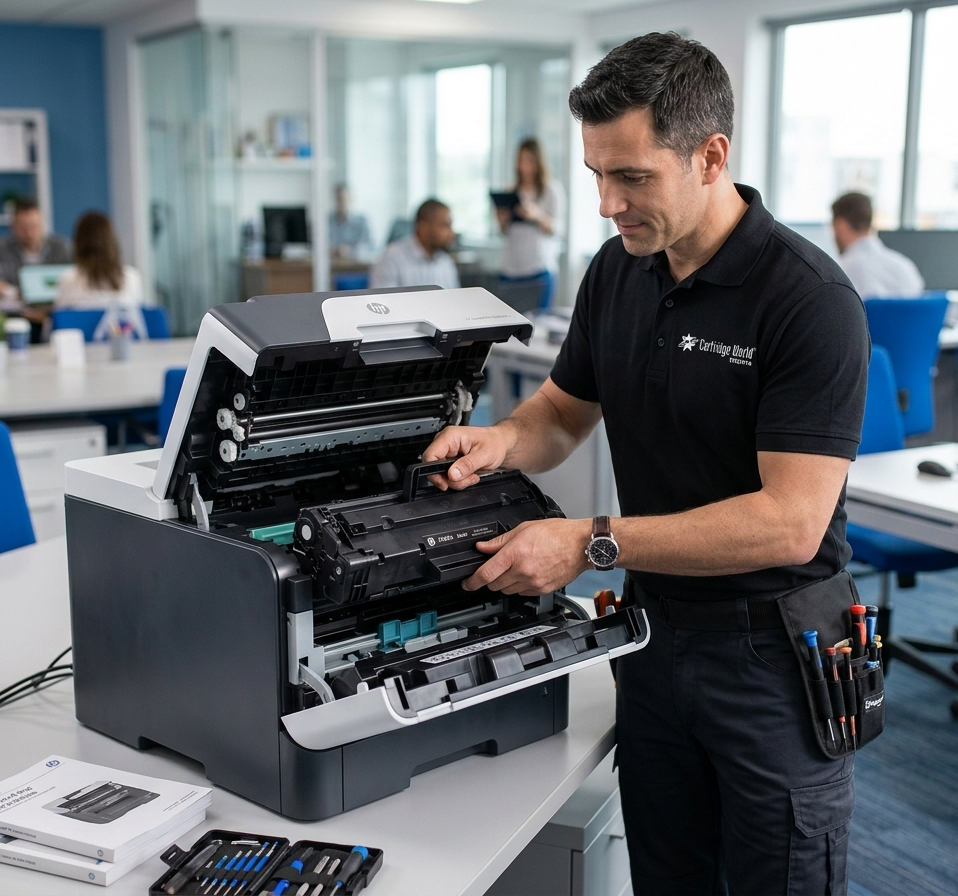
Best Printer Repair Service
Christiansburg's Top Choice for Printer Service
More than 5K+ customers have trusted our certified printer repair techs. If you need help with a printer near Christiansburg, VA, contact JLP Print-er+ today!
At JLP Print-er+, our goal is to be Christiansburg's top choice for printer repairs and service. We have repaired printers for businesses in and around Christiansburg for more than 11+ years. Our certified techs have successfully fixed thousands of printers during this time.
So if you are looking for the best printer repair company in Christiansburg, give us a call. Our printer specialists are here and ready to help. We are your best choice for printer repair and service near Christiansburg, VA.
Brands We Service
We repair all major printer and copier brands, including but not limited to:
Common Issues We Fix
- Paper jams and feed issues
- Poor print quality or smudging
- Error codes and connectivity problems
- Toner or ink cartridge errors
- Strange noises during printing
- Routine maintenance and cleaning
Watch for these signs
Does your printer need maintenance?
A printer is a crucial piece of equipment in any office, but it's often taken for granted until it stops working. To ensure that your printer continues to function optimally, watch out for these signs:
Poor Print Quality
Smudges, smears, or streaks on the page can indicate worn components or a need for deep cleaning.
Frequent Paper Jams
Often caused by worn-out or dirty rollers, or a misaligned paper feed mechanism.
Error Messages
Persistent messages like "Toner Low" or "Memory Overflow" are clear signs maintenance is required.
Slow Printing Speed
Taking longer than usual? It may be a clogged print head, worn fuser, or low-quality toner.
Noisy Operation
Unusual grinding or rattling sounds indicate mechanical issues that need professional attention.
Rapid Consumable Use
If you are frequently replacing cartridges, parts of your printer may be failing.
Printer Maintenance Near Christiansburg
JLP Print-er+ located in Christiansburg, VA offers comprehensive printer maintenance services that will help you never have to worry about fixing a printer again. From expert technicians to high-quality supplies and cost-effective solutions, we are your ideal local choice for all printer maintenance needs.
Got Questions?